[Unity] Undersea Fairy
This scene is made with Unity. Used Universal Render Pipeline.
---------Asset sources----------
Terrain material textures
https://3dtextures.me
3D Rocks
https://www.cgtrader.com/free-3d-models/plant/other/rocks-2ef7b0fe-9a5e-45dc-867b-9a2076d3fb0d
https://www.cgtrader.com/free-3d-models/exterior/landscape/free-rockshd-sample-model
https://www.cgtrader.com/free-3d-models/exterior/landscape/stones-kitbahsing
Plants textures
https://www.cgtrader.com/free-3d-models/textures/natural/green-algae-texture-pack
https://www.cgtrader.com/free-3d-models/textures/natural/giant-kelp-texture-pack
https://www.cgtrader.com/free-3d-models/textures/natural/red-algae-texture-pack
3D Plants from Unity asset store
https://assetstore.unity.com/packages/3d/props/interior/yughues-free-decorative-plants-13283
https://assetstore.unity.com/packages/3d/vegetation/plants/yughues-free-bushes-13168
Caustics texture
https://opengameart.org/content/water-caustics-effect-small
Youtube video

A very rough concept art

The "layers" in the scene:
terrain - props - lighting - character - particles - post processing

Day1 - setting up the scene and sculpt the terrain, paint the textures on terrain. Material textures are from https://3dtextures.me/

Day2 - importing assets, covert materials to URP and create prefabs. Used Probuilder to modify some of the meshes.
I used assets from cgtrader and Unity asset store. please see description for links.
Day3 - put the props onto terrain

Day3 - realized that the terrain tool has some limitation so I created a tool to help me place the props onto the terrain.

Day 4 - put up lighting and have this cone mesh for fake volumetric spotlight
Character is just a 2D quad with some transparent additive materials on it.

Day 4 - replaced the grass shaders with shadergraph so I can have vertex animation on them

Day 4 - adding caustic. I used this URP decal shader https://github.com/ColinLeung-NiloCat/UnityURPUnlitScreenSpaceDecalShader and modified it according to this caustics shader tutorial https://www.alanzucconi.com/2019/09/13/believable-caustics-reflection

Day 5 - particles, post processing effects and added a camera movement script


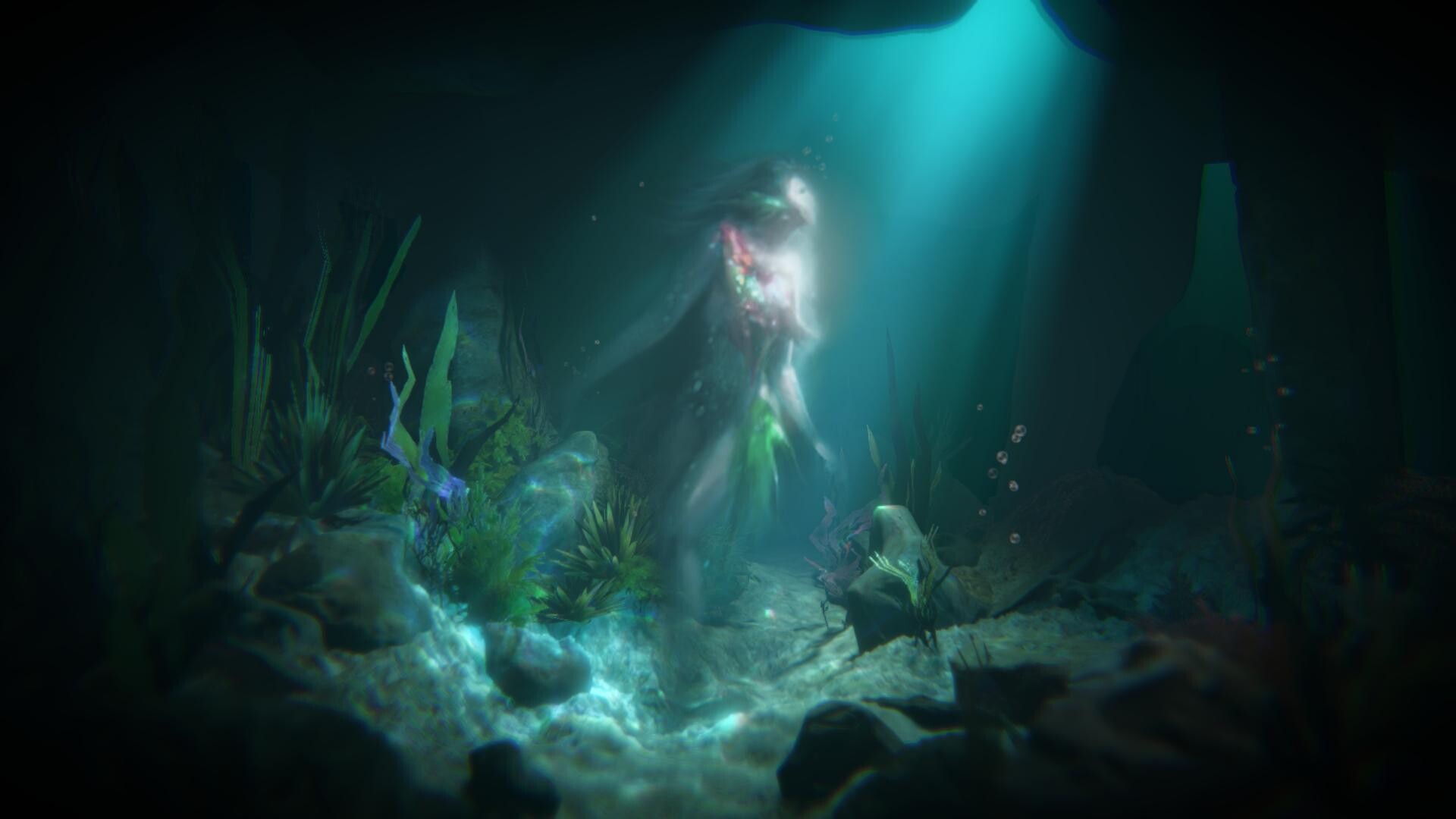
A static screenshot